
One poorly built chart of accounts can cost a small business
thousands in missed deductions, misreported income, and IRS compliance problems. Most new business owners in the United States skip this foundational step entirely — they open QuickBooks, accept the default settings, and end up with a financial structure that doesn’t reflect their actual business. A correct chart of accounts small business setup from day one changes everything about how your books work, how your taxes look, and how accurately you understand your own profitability.
In this guide, you’ll learn exactly what a chart
of accounts is, how to structure one for your specific business type, which categories every US business needs, the mistakes that cause the most damage, and a step-by-step setup process you can follow today. Additionally, you’ll get a full COA template broken down by account number range, category, and real-world examples. Let’s start with the definition.
What Is a Chart of Accounts and Why Does Every Small Business Need One?
A chart of accounts (COA) is a complete, organized list of every financial category your business uses to record transactions. Think of it as the filing system for your entire bookkeeping operation — every dollar that comes in or goes out gets assigned to one specific account in this list.
How a Chart of Accounts Organizes Your Financial Data
Every account in your COA belongs to one of five master categories: Assets, Liabilities, Equity, Income, and Expenses. Each transaction you record — a client payment, a software subscription, a contractor invoice — maps to one of these accounts. Over time, your COA becomes the structured foundation for your Profit & Loss statement, your Balance Sheet, and every tax return you file.
Most bookkeeping software like QuickBooks Online and Xero provides a default COA when you set up an account. However, the default template is generic. It is built for a hypothetical average business, not yours. As a result, using it without customization leads to miscategorized transactions, combined expenses that should be separate, and financial reports that don’t reflect reality.
Why Your COA Structure Directly Affects Your Taxes
The IRS does not prescribe a specific chart of accounts structure. However, your COA must align with the categories on your tax return — Schedule C for sole proprietors, Form 1120S for S-Corps, or Form 1065 for partnerships. According to IRS Publication 583: Starting a Business and Keeping Records (opens in new tab), business records must clearly support every income item and deduction reported. A poorly structured COA makes this impossible.
For cannabis businesses operating in the United States,
the COA is especially critical. IRC §280E prohibits most ordinary business deductions for cannabis operators, but allows cost-of-goods-sold deductions. A properly structured COA separates COGS accounts clearly from operating expenses, making this distinction defensible to the IRS. Tranzesta designs COA structures specifically for cannabis clients to maximize every legal deduction available.
Chart of Accounts Small Business Setup: The 5 Core Account Categories
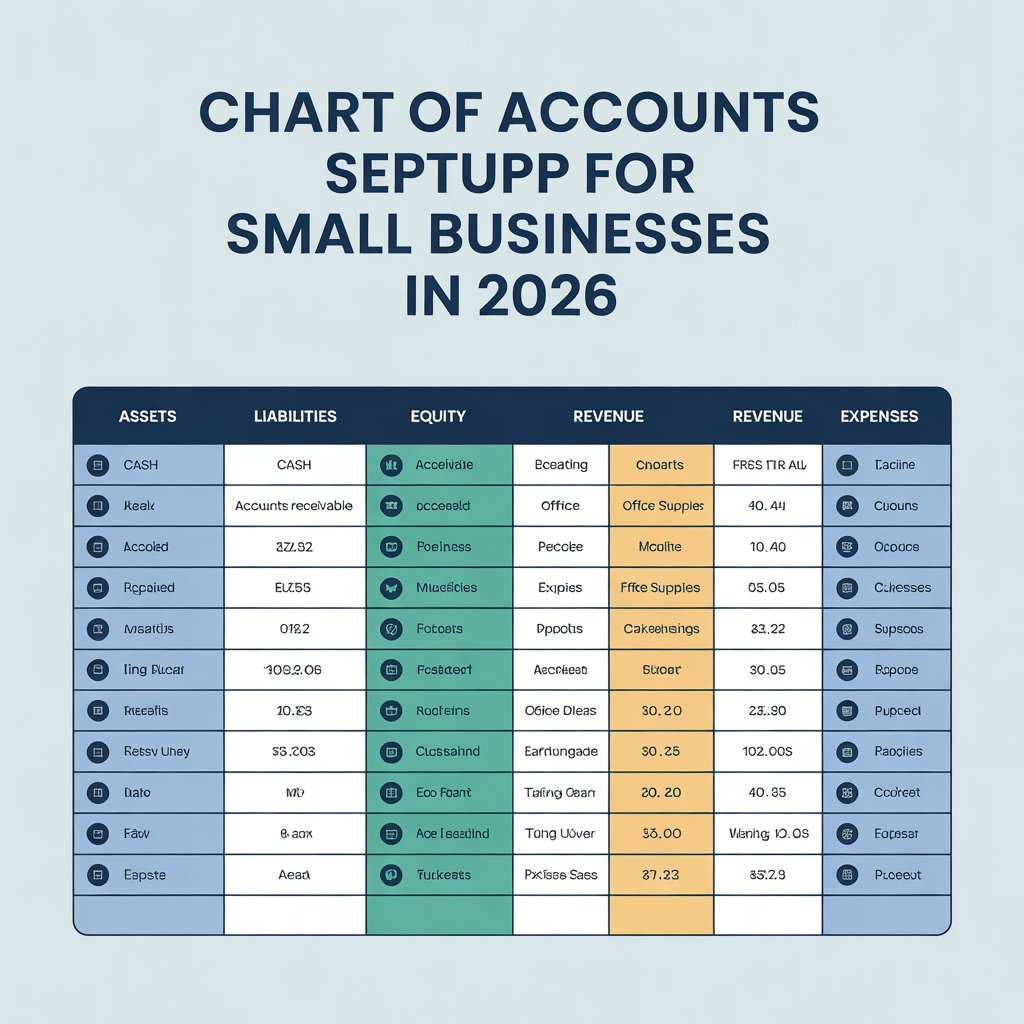
Every chart of accounts for a US small business is built around five fundamental categories. Understanding each one — and what belongs in it — is essential before you set up your books.
How Account Numbers Work
Account numbers give your COA structure and make it easier to find specific accounts quickly. The most common system for US small businesses uses four-digit account codes organized by range: 1000s for Assets, 2000s for Liabilities, 3000s for Equity, 4000s for Income, and 5000–8000s for various expense types. You do not need to use every number in the range — gaps allow room to add new accounts later without renumbering everything.
Sub-Accounts: When to Use Them
Sub-accounts — also called sub-ledger accounts — let you break a parent account into more specific categories. For example, instead of one broad “Advertising Expense” account, you might create sub-accounts for Social Media Ads, Google Ads, and Print Marketing. This level of detail is especially valuable for businesses that want to analyze spending by channel or need to report specific expense types on their tax return.
However, too many sub-accounts creates unnecessary complexity. Tranzesta recommends adding sub-accounts only when you need to track a category separately for either tax reporting or business decision-making purposes. If you’ll never look at the data independently, merge it into the parent account.
What Are the Biggest Chart of Accounts Mistakes Small Business Owners Make?
Most COA problems are set up at the beginning and then never fixed — which means they compound into larger bookkeeping and tax problems over years. Here are the most common mistakes US business owners make.
Mistake 1: Using the Software Default Without Customizing It
QuickBooks, Xero, and FreshBooks all ship with a default COA designed for a generic business. For example, the default may include accounts for inventory that a service-based business will never use, or it may lack specific income categories that a content creator or cannabis operator needs. Always customize the default COA before recording your first transaction. Fixing it later requires reclassifying every transaction already entered.
Mistake 2: Creating Too Many Accounts
More is not better when it comes to your COA. Many new business owners create a separate account for every conceivable expense type, resulting in a list of 200+ accounts that is impossible to navigate. As a result, transactions get miscategorized constantly because the correct account is hard to find. A well-built COA for most small US businesses contains between 40 and 80 accounts total.
Mistake 3: Combining Expenses That Should Be Separate
The most damaging version of this mistake is mixing cost of goods sold (COGS) with operating expenses. COGS refers to the direct costs of producing what you sell — raw materials, direct labor, inventory purchases. Operating expenses are everything else — rent, software, marketing. For cannabis businesses under IRC §280E, combining these two categories can eliminate legal deductions entirely. Every business should separate COGS from OpEx clearly in their COA from day one.
Mistake 4: Not Mapping Accounts to Tax Return Line Items
Every account in your COA should ultimately trace to a specific line on your tax return. If you create a vague account like “Miscellaneous Expenses” and dump unclassified transactions into it, you create problems at filing time. Your accountant cannot determine whether those expenses belong on Schedule C line 22 (repairs), line 27 (other expenses), or somewhere else. Map each account to its tax return destination during setup.
Mistake 5: Never Reviewing or Updating the COA
A COA built for your business in year one may not serve your business in year three. As you add revenue streams, hire employees, or expand into new states, your COA must evolve. Tranzesta recommends reviewing your chart of accounts with your bookkeeper or accountant at least once per year to ensure it still reflects your actual operations accurately.
How Tranzesta Sets Up Chart of Accounts for US Small Businesses
Tranzesta is a US-based tax consultation and bookkeeping firm that specializes in complete financial system setup for new and growing businesses across the United States. Our bookkeeping onboarding process starts with a custom COA designed for your specific industry, business structure, and tax situation.
For content creators and OnlyFans professionals, Tranzesta builds COA structures that separate each platform’s income, track platform fees, studio expenses, equipment depreciation, and digital tool subscriptions with the precision needed for accurate Schedule C filing. For cannabis businesses, we design COA structures that isolate COGS accounts from operating expenses to maximize legal deductions under IRC §280E. Visit Tranzesta.com to learn more about our business bookkeeping and COA setup services.
For US expats with foreign income and multi-currency accounts, we build COA structures that align with our Streamlined Filing compliance services and FBAR reporting requirements. Learn more about our Streamlined Filing services for US taxpayers abroad at Tranzesta.com.
Ready to have your chart of accounts built correctly from day one? Contact our team at hello@tranzesta.com for a free consultation. We’ll design a custom COA for your business, configure your bookkeeping software, and make sure every transaction has the right home from the start.
Chart of Accounts Small Business Setup: Expert Tips for 2026
Beyond the basics, these advanced strategies help US business owners build a COA that serves them at tax time, during financial analysis, and as the business grows. Tranzesta applies all of these practices when setting up COA structures for new clients.
Use consistent naming conventions throughout.
Decide on a naming format before you start and apply it to every account. For example, always write “Expense — [Category]” rather than mixing formats. Consistent naming makes the COA easier to navigate and reduces miscategorization errors.
Create a separate bank account and COA entry for each business entity.
If you operate multiple businesses or LLCs, each entity needs its own completely separate COA in its own set of books. Mixing finances across entities is an IRS red flag and pierces the liability protection of your LLC structure.
Add a ‘Meals — 50% Deductible’ account and a separate ‘Meals — 100% Deductible’ account.
The IRS treats different meal expenses at different deductibility rates. Tracking them in separate accounts ensures you apply the correct rate at tax time without manually reviewing every meal expense.
Include an ‘Owner’s Draw’ account in equity from day one.
Sole proprietors and LLC members regularly transfer money from the business to personal accounts. These transfers are not expenses — they are equity withdrawals. Recording them in a dedicated Owner’s Draw account keeps your expense totals accurate and prevents inflated deductions.
Build in asset depreciation accounts from the start.
If your business buys equipment, computers, vehicles, or other assets, create both an asset account (e.g., Equipment — Cost) and a corresponding accumulated depreciation account (e.g., Equipment — Accumulated Depreciation) in your COA from the beginning. This allows accurate balance sheet reporting and supports Section 179 and bonus depreciation calculations.
Review your COA every January as part of annual tax planning.
Your first January meeting with your accountant should include a COA review. Add accounts for new revenue streams you launched, remove accounts you no longer use, and confirm that every account maps cleanly to your tax return. Tranzesta performs this review for every bookkeeping client as part of their annual tax preparation process.
For further guidance on record-keeping requirements for US businesses, review the SBA.gov guide to managing business finances (opens in new tab), which outlines the financial management fundamentals every US small business owner should understand.
Conclusion
Your chart of accounts small business setup is the most important bookkeeping decision you make in your first week of operation. First, customize your software’s default COA before recording any transactions — generic templates create problems that multiply over time. Second, separate COGS from operating expenses clearly and completely, regardless of your industry. Third, map every account to its corresponding tax return line item so filing season is straightforward and defensible.
A well-built COA does not just keep your books organized.
It ensures every deduction is captured correctly, every income stream is visible, and every financial report gives you an accurate picture of your business. Get it right from the start, and everything downstream — reconciliation, tax filing, financial reporting — becomes dramatically simpler.
Ready to get expert help? Email us at hello@tranzesta.com or visit Tranzesta.com to schedule your free bookkeeping setup consultation today. Tranzesta’s team will build a custom chart of accounts for your business and configure your bookkeeping system from the ground up.
FAQs
chart of accounts for a small business is an organized list of every financial category the business uses to record income, expenses, assets, liabilities, and equity. Each category is assigned a unique account number and name. Every transaction recorded in your bookkeeping software — every payment received, every bill paid, every bank fee — is assigned to one account in this list. The COA is the foundation of your bookkeeping system and directly shapes every financial report and tax return your business produces.
Most small businesses in the United States should have between 40 and 80 accounts in their chart of accounts. Fewer than 40 accounts often means important categories are being lumped together, which obscures financial data and complicates tax preparation. More than 100 accounts typically creates unnecessary complexity that leads to miscategorization. The right number depends on your business type, the number of distinct income streams you have, and how granularly you need to track expenses for business decisions and tax reporting.
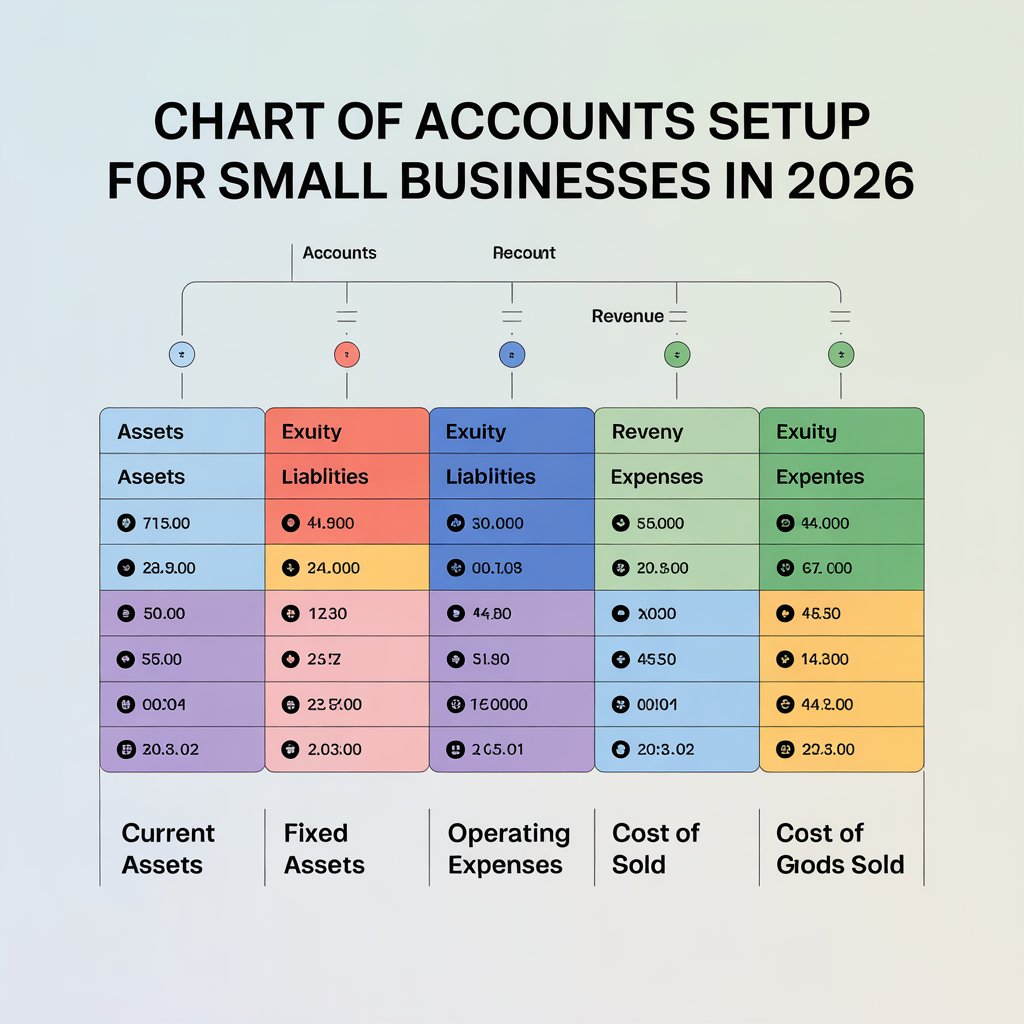
The five main categories in a chart of accounts are Assets, Liabilities, Equity, Income (Revenue), and Expenses. Assets are things your business owns — cash, receivables, equipment. Liabilities are things your business owes — loans, credit cards, accounts payable. Equity represents ownership value. Income includes all revenue from business operations. Expenses include all costs incurred to run the business. Cost of Goods Sold is often treated as a sixth category, separate from operating expenses, which is especially important for inventory-based and cannabis businesses.
You can start with the default chart of accounts in QuickBooks, but you should never use it without customizing it for your specific business. QuickBooks default templates are built for a generic company and include many accounts you will never need while missing specific categories your business requires. Before recording your first transaction, add income accounts for each revenue stream, remove irrelevant accounts, separate COGS from operating expenses, and confirm that your account structure aligns with your tax return categories. A bookkeeping professional at Tranzesta can handle this setup correctly.
To set up a chart of accounts for a new business, start by choosing bookkeeping software and accessing the COA module. Review and customize the default template by removing irrelevant accounts and adding accounts specific to your revenue streams. Separate cost of goods sold clearly from operating expenses. Assign four-digit account numbers following the standard range system (1000s for assets, 4000s for income, 5000s+ for expenses). Map each account to the corresponding line on your tax return. Finally, have a professional accountant or bookkeeper review the complete structure before you begin recording transactions.
Related expertise
Talk to a real, signing professional
AI precision, human accountability — across the US, UK & UAE.
Book a free consultation