
Running a cannabis dispensary in the United States
means operating inside one of the most heavily scrutinized industries in the country. Every sale you ring up carries tax implications that most standard accounting software isn’t built to handle. That’s why cannabis POS integration accounting — connecting your point-of-sale system directly to your financial books — isn’t just a convenience. It’s a compliance lifeline.
In this guide, you’ll learn exactly
how POS-to-accounting integration works for cannabis retailers, what the IRS expects under Section 280E, the most costly mistakes dispensary owners make, and how to set up a system that protects your business. Whether you’re opening your first shop or scaling across multiple states, this resource covers everything you need.
What Is Cannabis POS Integration Accounting?
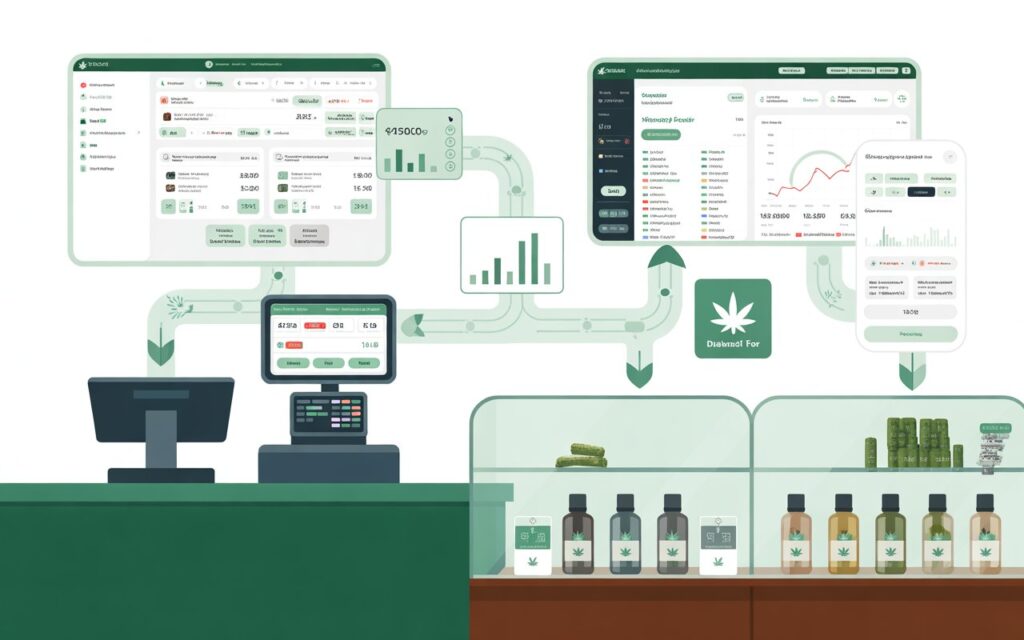
Cannabis POS integration accounting is the process of connecting your point-of-sale system directly to your accounting software so that every transaction — sales, refunds, discounts, and inventory adjustments — is automatically recorded in your general ledger without manual data entry.
For cannabis businesses, this integration
does more than save time. It creates an auditable, real-time financial record that satisfies both state cannabis regulators and federal tax requirements under the Internal Revenue Code.
Why Standard POS Systems Fall Short for Cannabis
Most retail POS systems are built for industries where federal and state law align. Cannabis is different. Because marijuana remains a Schedule I controlled substance under federal law, cannabis businesses cannot deduct ordinary business expenses the way other US companies can. The IRS enforces IRC Section 280E, which disallows deductions for businesses trafficking in Schedule I or II substances — except for the Cost of Goods Sold (COGS).
This means your accounting system must do something
most retail software cannot: separate allowable COGS from non-deductible operating expenses at the transaction level. Without proper cannabis POS integration accounting, you’re guessing — and guessing wrong can cost you tens of thousands of dollars in back taxes and penalties.
What a Cannabis-Ready POS Integration Actually Does
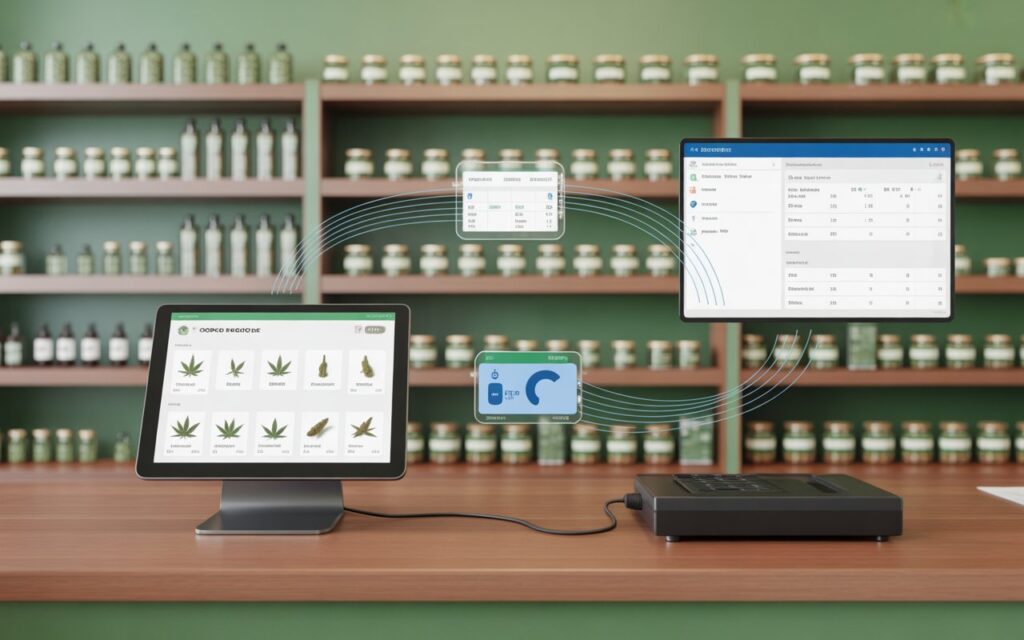
A properly integrated cannabis POS system pushes the following data to your accounting software in real time:
Gross sales by product category (flower, edibles, concentrates, etc.)
Sales tax collected (state and local, which vary widely)
Inventory depletion tied to COGS calculations
Discounts, voids, and refunds are tracked as separate line items
Employee sales activity for payroll allocation
End-of-day cash reconciliation reports
When this data flows cleanly into your accounting software, your bookkeeper or tax accountant can accurately build the 280E-compliant income statement your business depends on.
How Does IRC Section 280E Affect Cannabis Accounting?
IRC Section 280E is the single most important federal tax rule for cannabis businesses in the United States. It denies ordinary and necessary business deductions to any taxpayer engaged in trafficking a controlled substance — which includes state-licensed cannabis retailers.
What You Can and Cannot Deduct Under 280E
Under 280E, cannabis businesses cannot deduct expenses such as:
Rent (for retail floor space)
Marketing and advertising costs
Employee wages (for non-production staff)
Utilities attributable to selling operations
Legal and professional fees
However, businesses can deduct the Cost of Goods Sold (COGS). COGS includes the direct cost of acquiring or producing the cannabis products you sell — wholesale purchase price, packaging, direct labor in production, and freight.
This is why your POS system’s inventory tracking must be precise and accurate. According to IRS guidance and cases like Harborside Health Center v. Commissioner, the distinction between COGS and operating expenses has resulted in multi-million dollar tax disputes for cannabis operators.
The Role of State-Level Excise Taxes
Most cannabis-legal states impose a retail excise tax on cannabis sales — ranging from 10% in California to 37% in Washington. Your POS must correctly separate excise tax from gross sales revenue. If your system lumps excise tax into gross revenue, your taxable income is overstated. If it buries excise taxes as a deduction, the IRS may disallow it under 280E. Proper cannabis POS integration accounting handles this separation automatically
For the IRS’s official position on 280E,
review IRS Publication 535 on Business Expenses{:target=”_blank”} and consult a qualified cannabis tax professional.
Common Cannabis Accounting Mistakes to Avoid
Even experienced dispensary owners make expensive errors when their POS and accounting systems aren’t properly integrated. Here are the most damaging mistakes we see at Tranzesta.
Mistake 1: Using Generic Retail Accounting Software Alone
QuickBooks and Xero are powerful tools. However, they don’t natively understand 280E cost allocations, cannabis-specific inventory categories, or state excise tax handling. When cannabis business owners plug a generic POS into generic accounting software, critical data gets miscategorized. As a result, their effective tax rate skyrockets — sometimes exceeding 70% of gross profit.
Mistake 2: Failing to Track Inventory by Product Category
The IRS requires that COGS be calculated with specificity. If your POS groups flower, edibles, and concentrates under a single SKU category, you lose the ability to accurately calculate category-level COGS. This matters enormously during an audit. Always configure your POS to track every SKU by product type, weight tier, and wholesale acquisition cost.
Mistake 3: Not Reconciling POS Sales to Bank Deposits Daily
Cannabis is a heavily cash-based industry. Daily reconciliation between your POS end-of-day report and your actual bank or vault deposit is non-negotiable. Unreconciled discrepancies raise red flags with state regulators and can trigger IRS scrutiny. Additionally, most states require seed-to-sale tracking systems (like Metrc) to match your POS sales records exactly.
Mistake 4: Commingling COGS and Operating Expenses
Because 280E only allows COGS deductions, your chart of accounts must clearly separate cost-of-goods line items from operational expenses. Many dispensary owners accidentally code employee wages that belong to production into the general payroll expense account — making those wages non-deductible. Your POS integration should automate this allocation based on employee role.
Mistake 5: Ignoring Multi-Location Consolidation
If you operate more than one dispensary in the United States, each location likely has a separate state license and potentially different excise tax rates. Without consolidated POS-to-accounting integration, you’re reconciling spreadsheets across locations — which creates errors and delays. A centralized accounting integration solves this instantly.
How to Set Up Cannabis POS Integration Accounting: Step-by-Step
Setting up a compliant, audit-ready cannabis POS integration takes planning. Therefore, follow these steps carefully before going live.
Step 1: Choose a Cannabis-Specific POS System
Select a POS platform built for cannabis retail. Leading options include Dutchie, Flowhub, Treez, and Cova. These systems are designed to interface with seed-to-sale tracking platforms like Metrc, BioTrack, and LEAF Data Systems — which most US states mandate by law.
Step 2: Configure Your Chart of Accounts for 280E Compliance
Before integration, build a chart of accounts in your accounting software that separates 280E-allowable COGS categories from non-deductible operating expenses. Work with a cannabis-specialized accountant to define these categories correctly. This is the foundation on which everything else depends.
Step 3: Map POS Product Categories to Accounting Line Items
In your integration settings, map each POS product category (flower, pre-rolls, edibles, vapes, accessories) to the corresponding COGS account in your accounting software. Additionally, map sales tax and excise tax to dedicated liability accounts — never to revenue.
Step 4: Connect to Your Accounting Software Via API or Integration Platform
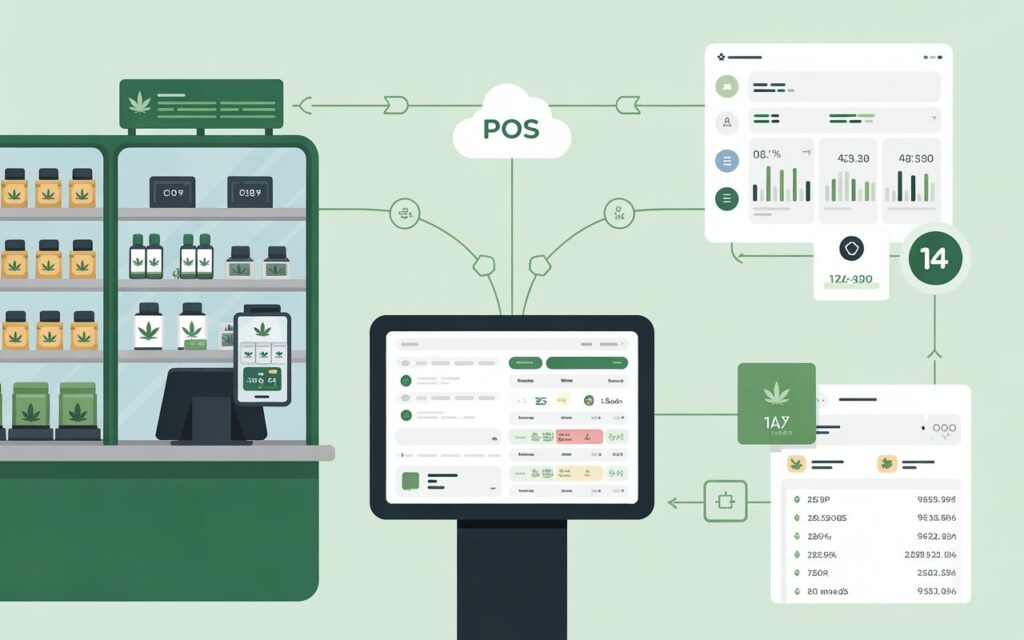
Most cannabis POS systems offer native integrations with QuickBooks Online, Xero, or Sage. Alternatively, platforms like Mosaic or cannabis-specific ERPs handle this bridge. Once connected, configure the sync frequency — ideally real-time or at a minimum end-of-day.
Step 5: Set Up Automated Bank Reconciliation
Connect your merchant account or cash management system to your accounting platform so that every POS transaction is matched against an actual deposit. Automated reconciliation catches discrepancies
before they become audit problems.
Step 6: Run a Parallel Test Period
Before relying fully on the integration, run it in parallel with your existing manual process for 30 days. Compare results weekly. Most integration errors — duplicate transactions, miscategorized SKUs — surface within the first two weeks.
Step 7: Engage a Cannabis-Specialized Accountant for Monthly Review
Even the best integration requires human oversight. A cannabis tax accountant should review your books monthly to verify 280E allocations, catch miscoded transactions, and prepare your business for quarterly estimated tax payments. The IRS expects cannabis operators to pay substantial estimated taxes throughout the year — underpayment penalties can add 4–6% to your annual tax liability.
How Tranzesta Can Help With Cannabis POS Integration Accounting
At Tranzesta, we specialize in accounting and tax strategy for cannabis businesses across the United States. We understand that cannabis POS integration accounting is more than a technology problem — it’s a tax compliance problem that requires industry-specific expertise.
Our cannabis accounting services include:
280E-compliant bookkeeping — We structure your chart of accounts and monthly close process to maximize allowable COGS deductions.
POS integration setup and review — We work directly with your POS vendor to ensure your integration maps correctly to 280E cost categories.
State excise tax reconciliation — We track multi-state excise tax obligations and ensure they’re properly recorded and remitted.
IRS audit support — If the IRS contacts your business,
Tranzesta’s team provides documentation, representation, and response support.
Business tax preparation — We file federal and state returns for single-location dispensaries and multi-state operators.
Cannabis accounting is one of Tranzesta’s core specialties.
We serve dispensary owners, cultivators, and cannabis MSOs (multi-state operators) throughout the USA. Learn more about our cannabis accounting services at Tranzesta.com.
Contact our team at hello@tranzesta.com for a free consultation. We’ll review your current POS setup and accounting workflow and identify the gaps that are costing you money.
Cannabis POS Integration Accounting: Expert Tips for 2026
The cannabis industry’s regulatory environment is evolving fast. Here are advanced strategies to keep your dispensary ahead of both tax law and technology changes.
Implement real-time inventory sync.
The IRS has increasingly challenged COGS calculations in cannabis audits. Real-time POS-to-inventory sync creates a timestamped audit trail for every unit sold — critical evidence if you’re audited.
Track COGS at the SKU level,
not just the category level. When your POS integration pushes per-SKU cost data into your accounting software, your accountant can calculate COGS with far greater accuracy — and defend it during an IRS examination.
Separate retail and production entities.
Many cannabis operators benefit from structuring their business so that the production/cultivation entity (which has more deductible expenses) is separate from the retail entity (which faces harsher 280E limits). Your POS integration should support intercompany transactions if you use this structure.
Stay current with state seed-to-sale requirements.
In 2025 and into 2026, several US states updated their Metrc reporting timelines. Your POS must submit sales data to Metrc within the required window — typically 24 hours. Integration failures that cause late Metrc reporting can result in license suspensions.
Use monthly management reports, not just tax-time financials.
Your integrated system should produce monthly P&L statements, COGS reports, and cash flow summaries.
According to the Small Business
Administration{:target=”_blank”}, businesses that review financials monthly are significantly better positioned to manage cash flow and tax planning.
Plan for rescheduling. Federal cannabis rescheduling
discussions continue in 2026. If cannabis is moved to Schedule III, 280E may no longer apply — dramatically changing your tax picture. Your accounting system should be flexible enough to adapt quickly.
Conclusion
Cannabis POS integration accounting is the backbone of a compliant, profitable dispensary operation. When your point-of-sale data flows cleanly into your accounting software — with proper 280E cost allocations, accurate excise tax tracking, and daily reconciliation — you protect your business from IRS penalties, state audits, and costly surprises at tax time.
The three most important takeaways from this guide are:
first, 280E compliance depends entirely on the accuracy of your POS data; second, generic accounting software is not enough without cannabis-specific configuration; and third, monthly professional oversight is not optional — it’s essential.
Ready to get expert help? Email us at hello@tranzesta.com or visit Tranzesta.com to schedule your free cannabis tax strategy session today. Our specialists are standing by to review your POS setup, optimize your 280E cost allocations, and protect your bottom line.
The best cannabis POS systems for 2026 include Dutchie, Flowhub, Treez, and Cova. Each integrates with state seed-to-sale platforms like Metrc and offers accounting integrations with QuickBooks or Xero. The right choice depends on your state’s compliance requirements, the size of your operation, and which accounting software your bookkeeper uses. Cannabis POS integration accounting works best when both your POS and accounting platforms are purpose-built for the industry.
Section 280E of the Internal Revenue Code prohibits cannabis businesses from deducting ordinary operating expenses because cannabis remains a federally controlled substance. However, cannabis operators can still deduct the Cost of Goods Sold (COGS). This means US cannabis businesses typically pay significantly higher effective tax rates than other industries. Proper cannabis POS integration accounting helps businesses accurately calculate COGS and minimize their 280E tax burden legally.
Dispensaries do not necessarily need separate accounting software, but they do need accounting software that is properly configured for 280E compliance. Standard platforms like QuickBooks Online can work when paired with a cannabis-specific POS integration and a chart of accounts designed to separate COGS from non-deductible expenses. Many cannabis businesses also use cannabis-focused ERPs or middleware platforms to bridge their POS and accounting systems accurately.
Seed-to-sale tracking is a state-mandated system that records every cannabis product from cultivation through retail sale. Most states use platforms like Metrc or BioTrack. Seed-to-sale data must match your POS sales records exactly — discrepancies can trigger license suspensions or regulatory fines. For cannabis POS integration accounting purposes, seed-to-sale records also provide a verifiable COGS audit trail, which is critical if the IRS audits your dispensary.
Generally, no. Under IRC Section 280E, cannabis retailers cannot deduct rent attributable to selling operations because these are considered trafficking-related expenses. However, if a portion of your facility is used exclusively for production or processing activities (not retail), that portion of rent may be allocable to COGS and therefore deductible. This type of cost allocation is complex and must be documented carefully. Working with a cannabis tax specialist like Tranzesta ensures these allocations are defensible in an IRS examination.
Talk to a real, signing professional
AI precision, human accountability — across the US, UK & UAE.
Book a free consultation